
Audio to Text Online
Turn recordings, voice messages and podcasts into a text file. Upload one file or a whole batch and see the exact price before starting.
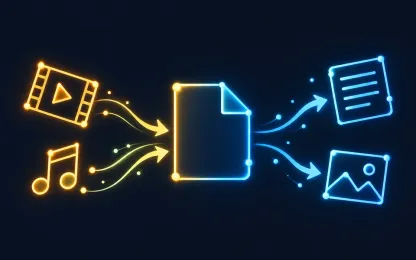
Transcribe a recording without listening to it again
Meetings, lectures, interviews and voice notes are easier to search, quote and edit as text. Upload the recording, and the service returns a plain TXT file with the speech it recognized.
You can send several recordings at once or pack them into a ZIP archive: each file is checked, priced and transcribed separately, and all results arrive together.
Formats and limits
- From
- MP3, WAV, M4A, AAC, Ogg, Opus, FLAC
- To
- TXT
needs an audio track · source up to 40 min · result up to 40 min
How it works
- 1
Upload files
Up to 50 files of 1 GB each, or one ZIP archive up to 5 GB.
- 2
Choose the result
The service checks every file, shows available formats and one exact price before you start.
- 3
Download
Get the files on the result page. They also stay in your private task history.
Frequently asked questions
What does the result look like?
A plain UTF-8 TXT file. You can read and copy it on the result page or download it; several results are delivered as separate files or one ZIP.
How is the price calculated?
The price depends on the recording length. After upload you see one exact price for the whole set and pay only when you start; there is no subscription.
What if a recording has no speech?
The file is marked as failed and is not delivered as an empty text, so you can tell it apart from a successful transcription.
Can I transcribe a video instead?
Yes. Upload the video file directly: speech from its audio track is transcribed the same way.