
HEIC to JPG Converter
Convert iPhone photos from HEIC to JPG that opens on Windows, Android and in any editor. Batch and ZIP upload, exact price before starting.
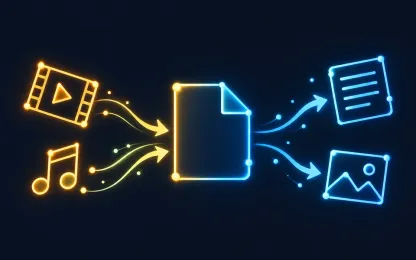
Why convert HEIC to JPG
iPhones save photos as HEIC: it takes less space but often does not open on Windows, Android, in older editors or upload forms. JPG is understood by almost every device and service.
The converter keeps the photo orientation and size, converts colors to standard sRGB and removes hidden metadata, including location, before you share the file.
Formats and limits
- From
- HEIC
- To
- JPG
How it works
- 1
Upload files
Up to 50 files of 1 GB each, or one ZIP archive up to 5 GB.
- 2
Choose the result
The service checks every file, shows available formats and one exact price before you start.
- 3
Download
Get the files on the result page. They also stay in your private task history.
Frequently asked questions
Is the location removed from the photo?
Yes. User metadata, including GPS coordinates, is not transferred to the JPG.
What about HEIC files with several images?
Such a file is marked as unsuitable instead of being silently reduced to its first image. A regular single photo converts as usual.
Can I convert a whole album?
Yes. Upload several HEIC files or one ZIP archive: all suitable photos are converted in one task at one price.